Troubleshooting Automation
Troubleshooting Automation
Section titled “Troubleshooting Automation”Use this page when automation does not behave the way a user expects. Start from the visible symptom, then work backward.
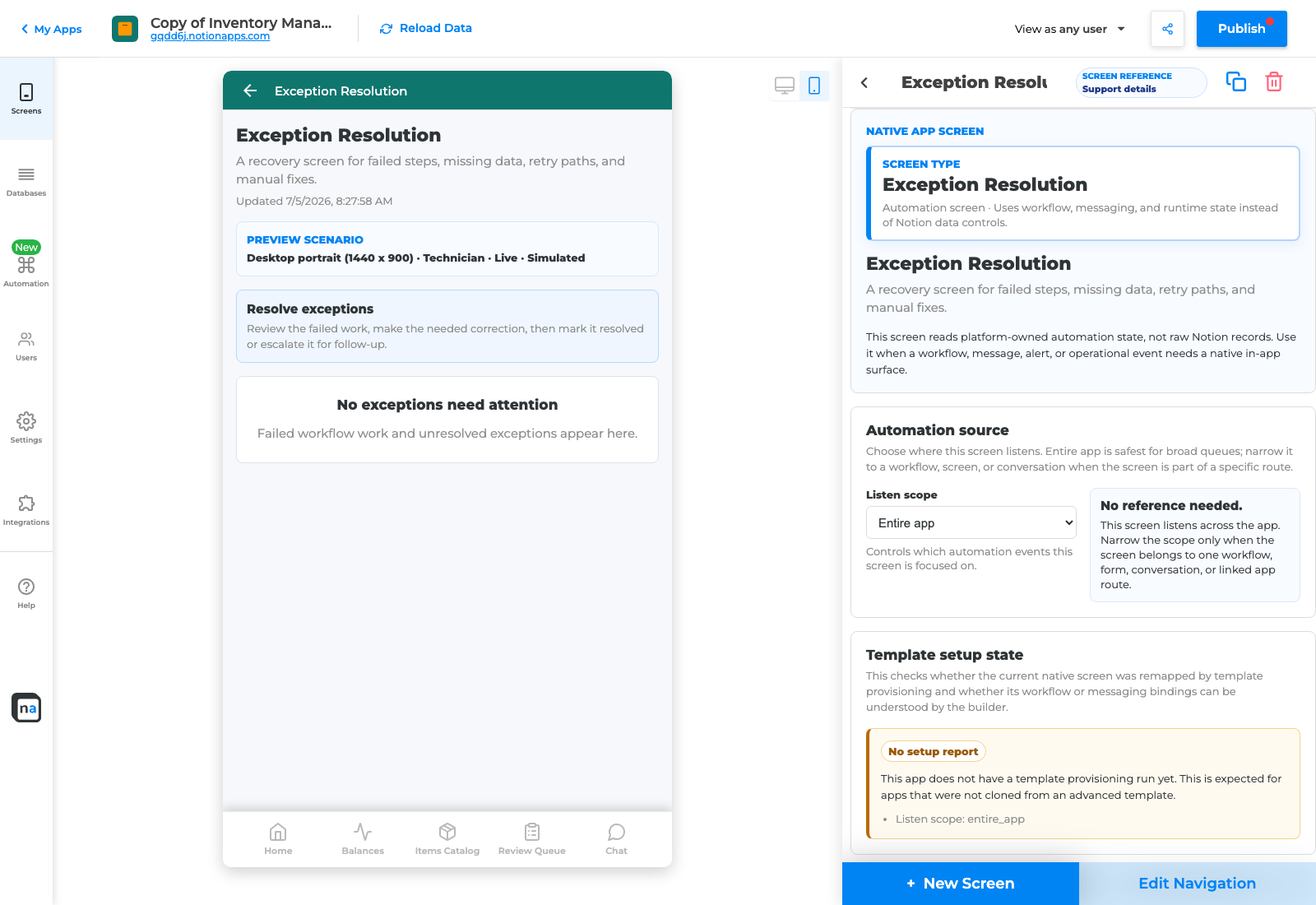
A good setup makes failures visible enough to fix without backend inspection.
Diagnosis order
Section titled “Diagnosis order”- Reproduce the problem with a fresh test record.
- Confirm the test used the real user action.
- Check When this happens.
- Check the exact status value.
- Run validation.
- Check the destination screen as the affected role.
- Check recipient resolution.
- Check role and screen permissions.
- Check messages.
- Check Exception Resolution.
Symptom table
Section titled “Symptom table”| Symptom | Likely cause | First place to check |
|---|---|---|
| Submit does nothing | Trigger not connected to the button. | When this happens. |
| Manual status change works but button does not | Button writes a different value. | Submitted status and button behavior. |
| Reviewer cannot see item | Recipient or permission issue. | Recipient rule and Decision/Work Queue access. |
| Notification missing | Message route or recipient issue. | Notification setup and role preview. |
| Conversation missing | Conversation not connected to the record or roles. | Conversation screen scope and permissions. |
| Workflow status stale | Status update not mapped. | Outcome mapping. |
| External handoff failed | Webhook or linked app issue. | Linked App Exchange and Exception Resolution. |
| Repair says complete but demo fails | No fresh live test after repair. | Create a new test request. |
What not to do
Section titled “What not to do”Do not manually edit backend records to make a demo pass. Do not test only as owner. Do not ignore a validation blocker. Do not publish because the workflow exists. Users need visible proof.
Related pages
Section titled “Related pages”- Submit Button Troubleshooting
- Decision and Queue Troubleshooting
- Validation Error Catalog