Customize a screen
To customize a screen on NotionApps, follow the steps below:
- Open the app builder and select the screen that you want to customize from the app preview (in the center of the app builder).
- The configuration section for the screen is visible on the right side of the app builder.
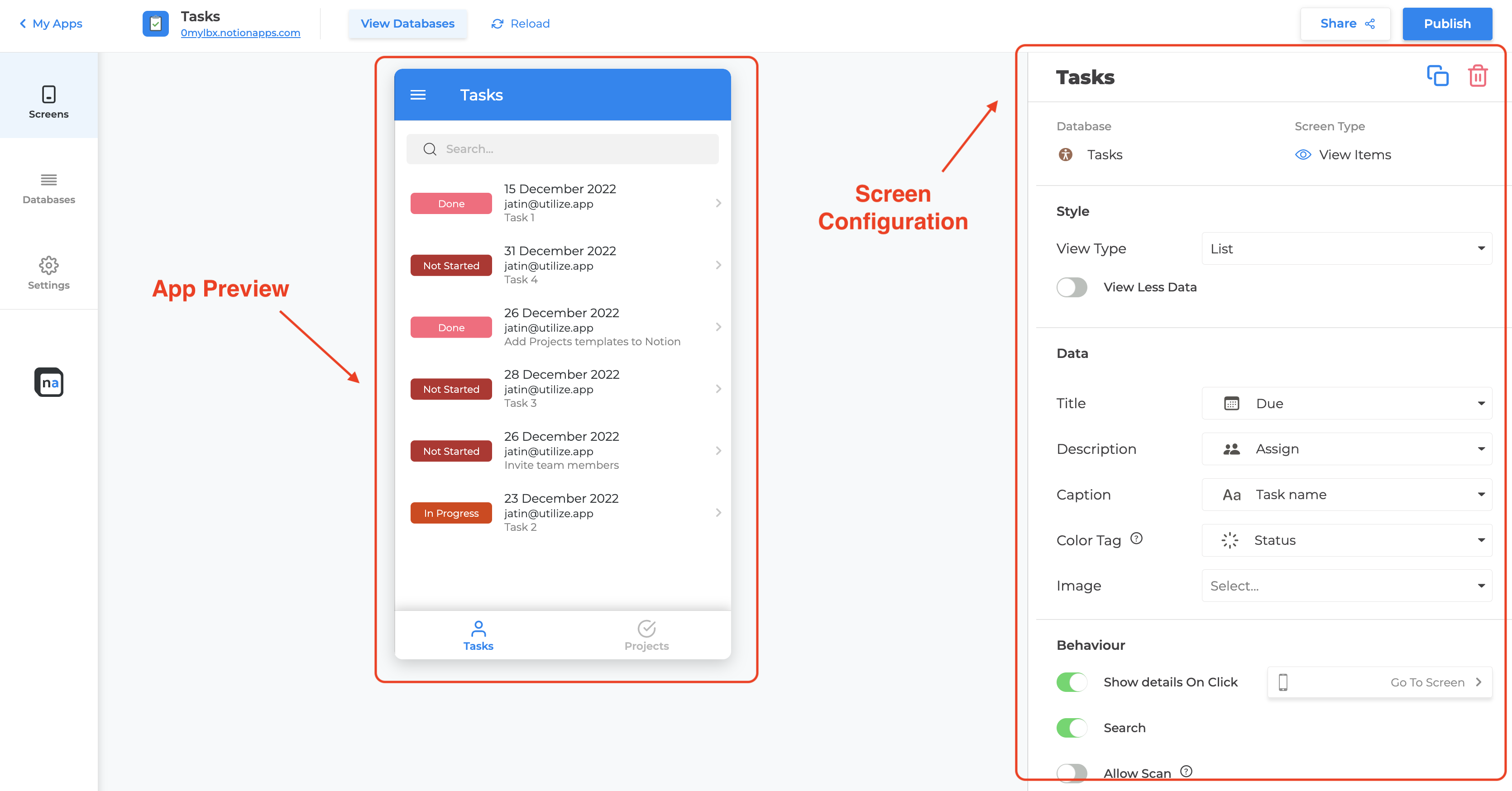
- In the configuration section, you can configure various options such as the layout of the screen, the visibility of fields, the display of images, and more.
Over the next pages, we will talk about specific customizations for these screens.