Status and People Field Fidelity
Make Notion Status and People properties look and behave correctly in your published app — colored status chips, people name chips, multi-select people defaults, and reliable writeback to Notion.
What you get
Section titled “What you get”| Surface | Before | After |
|---|---|---|
| List tags for Status | Often flat / app-default colors | Notion option colors (Open = green, Scouting = blue, Closed = red, …) |
| Details Status | Plain text or weak chip | Colored status chip matching Notion |
| Details People / Owner | Easy to miss as plain text | Name chips (with avatar when Notion provides one) |
| Create / Update People fields | Often single-select by default | Multi-select by default for People-like fields |
| Editing Owner in the app | Could look saved without Notion updating | Values write back to the Notion People property |
Before you start
Section titled “Before you start”You need:
- A Notion database with a Status property and/or a People property
- Those properties linked into your NotionApps screens (List, Details, Create Form, Update Form)
- Permission to Reload Data and Publish
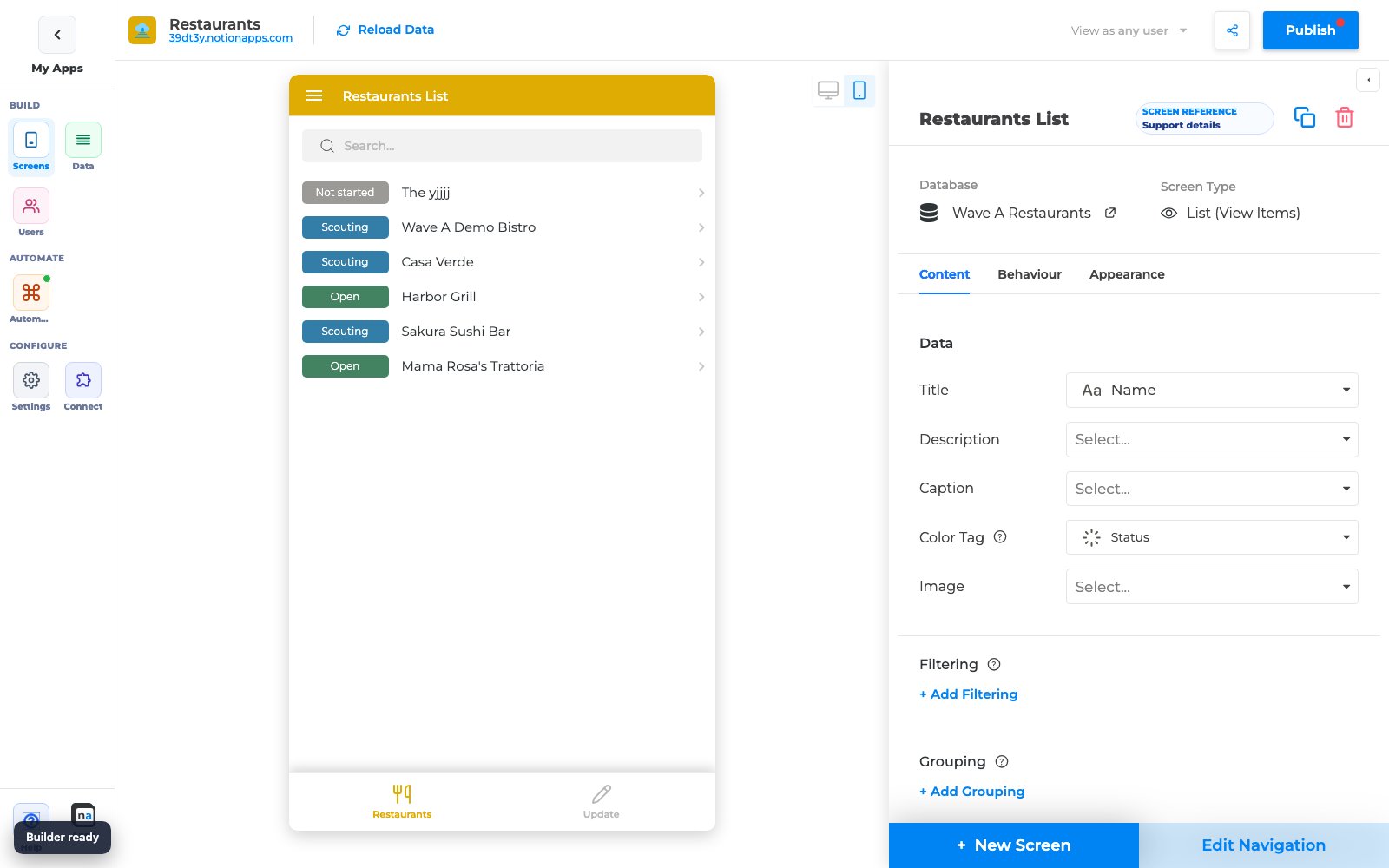
Step 1 — Confirm Status colors on a List screen
Section titled “Step 1 — Confirm Status colors on a List screen”- Open your app in the builder.
- Select a List screen that shows a Status property (for example, Restaurants).
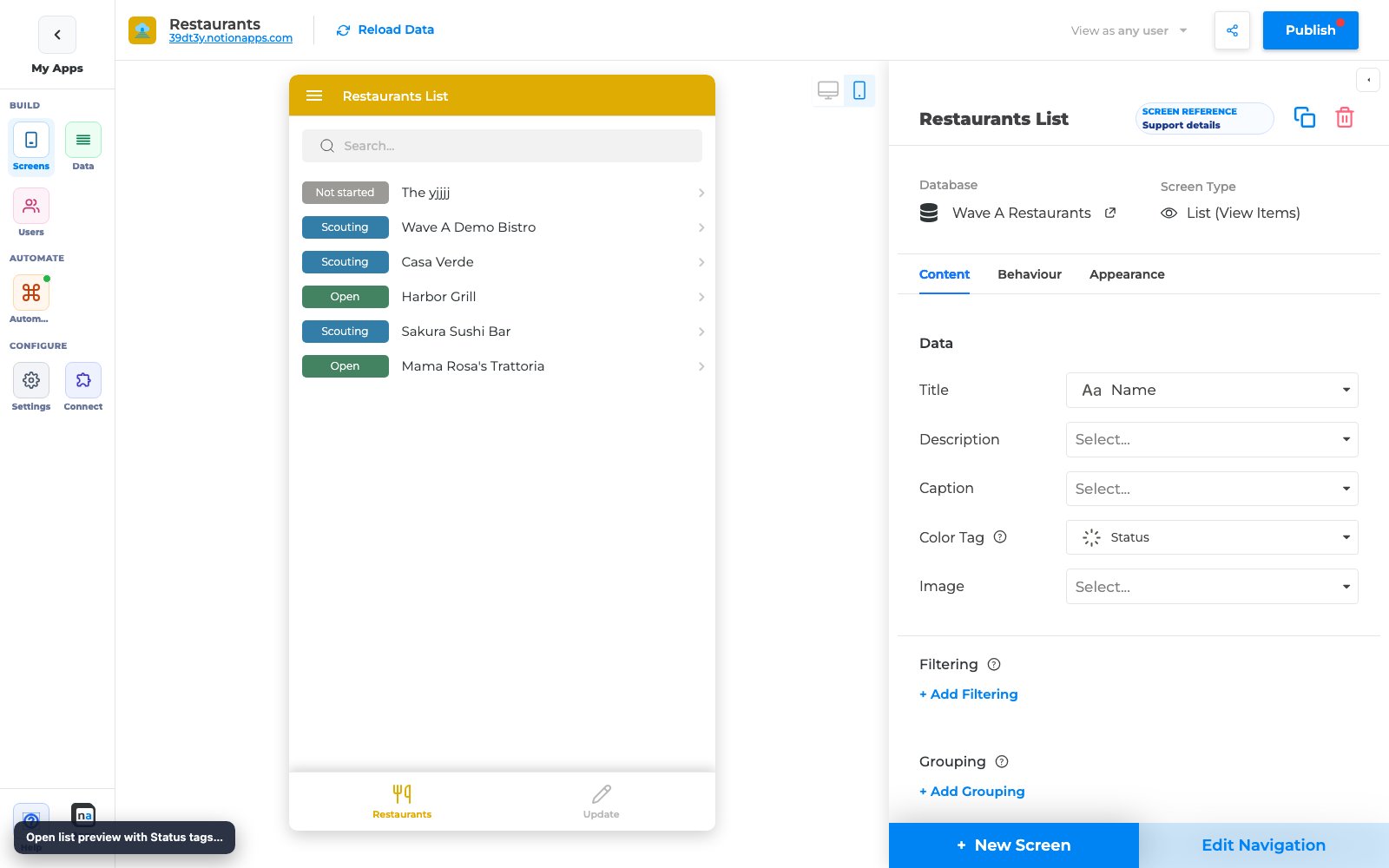
- In preview, open the list and confirm status tags use Notion colors — not a single flat accent for every option.
What to expect
Section titled “What to expect”| Status example | Typical Notion color |
|---|---|
| Open | Green |
| Scouting / In progress | Blue |
| Closed / Done | Red / gray depending on your Notion options |
| Not started | Default / gray |
If colors look wrong after a Notion change, click Reload Data, then re-check the list preview.
Step 2 — Confirm Status + People chips on Details
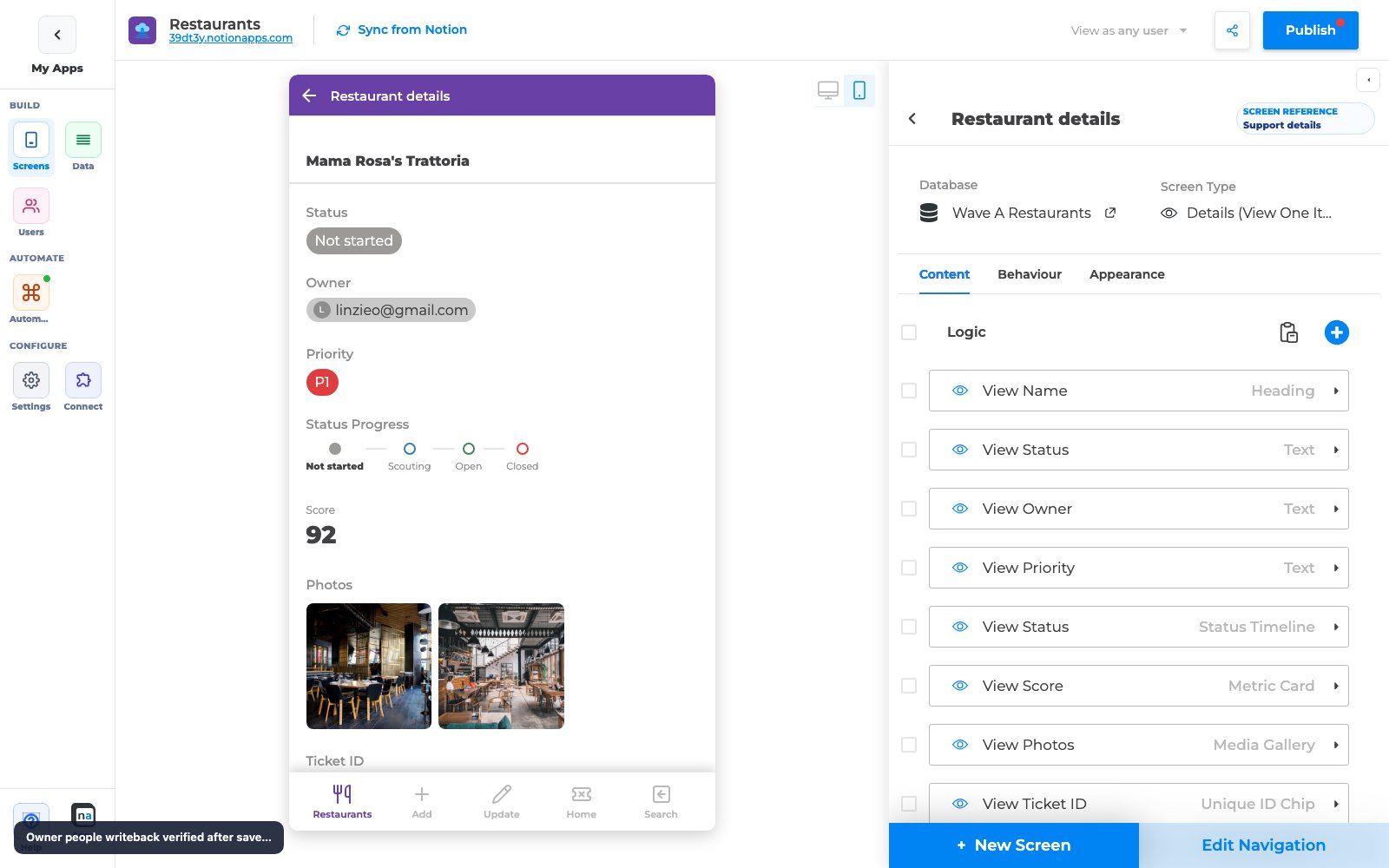
Section titled “Step 2 — Confirm Status + People chips on Details”- Open a Details screen for the same database.
- Select a record that has both Status and Owner (People) filled.
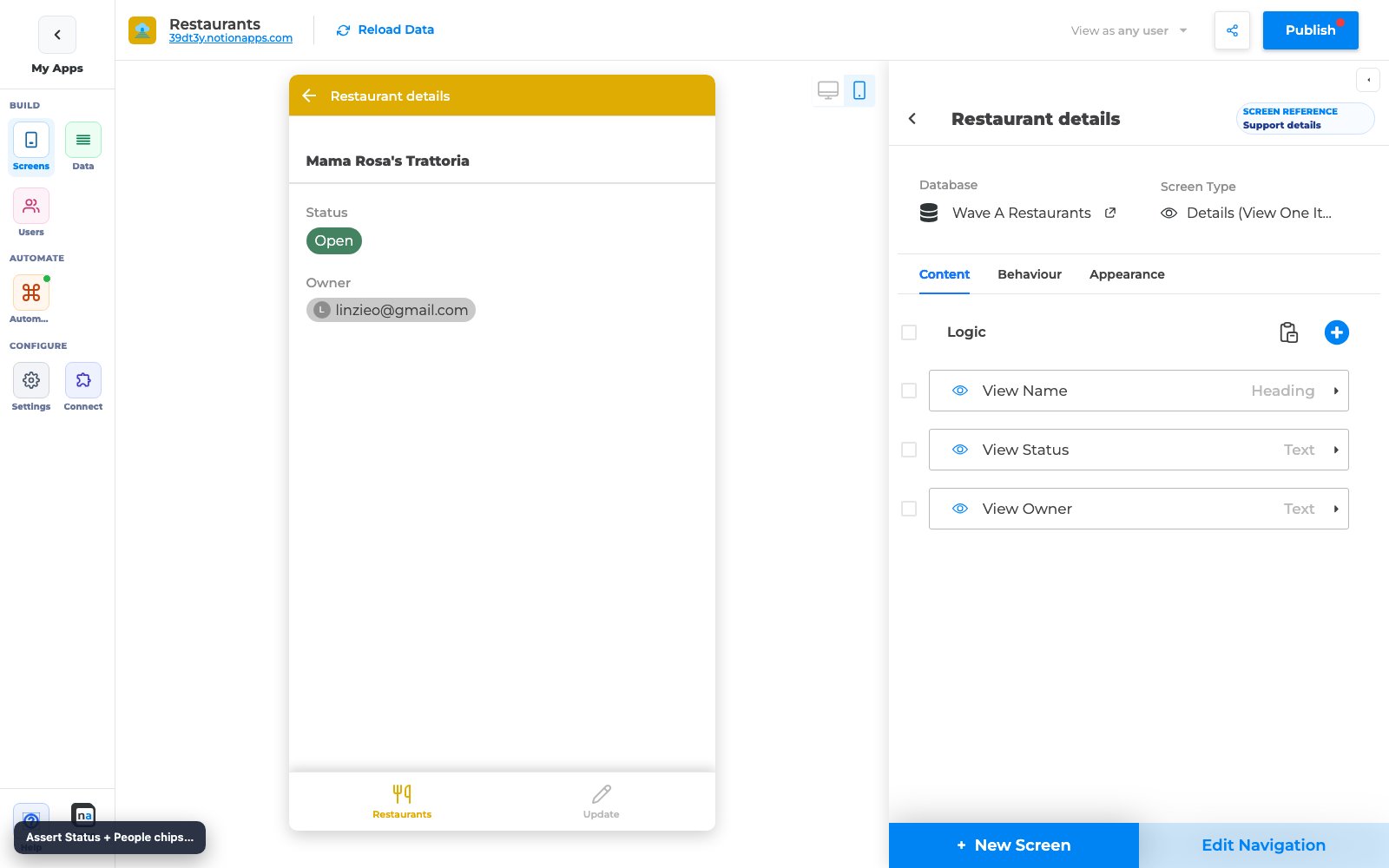
- Confirm:
- Status renders as a colored chip
- Owner renders as a people chip (name, and avatar when available)
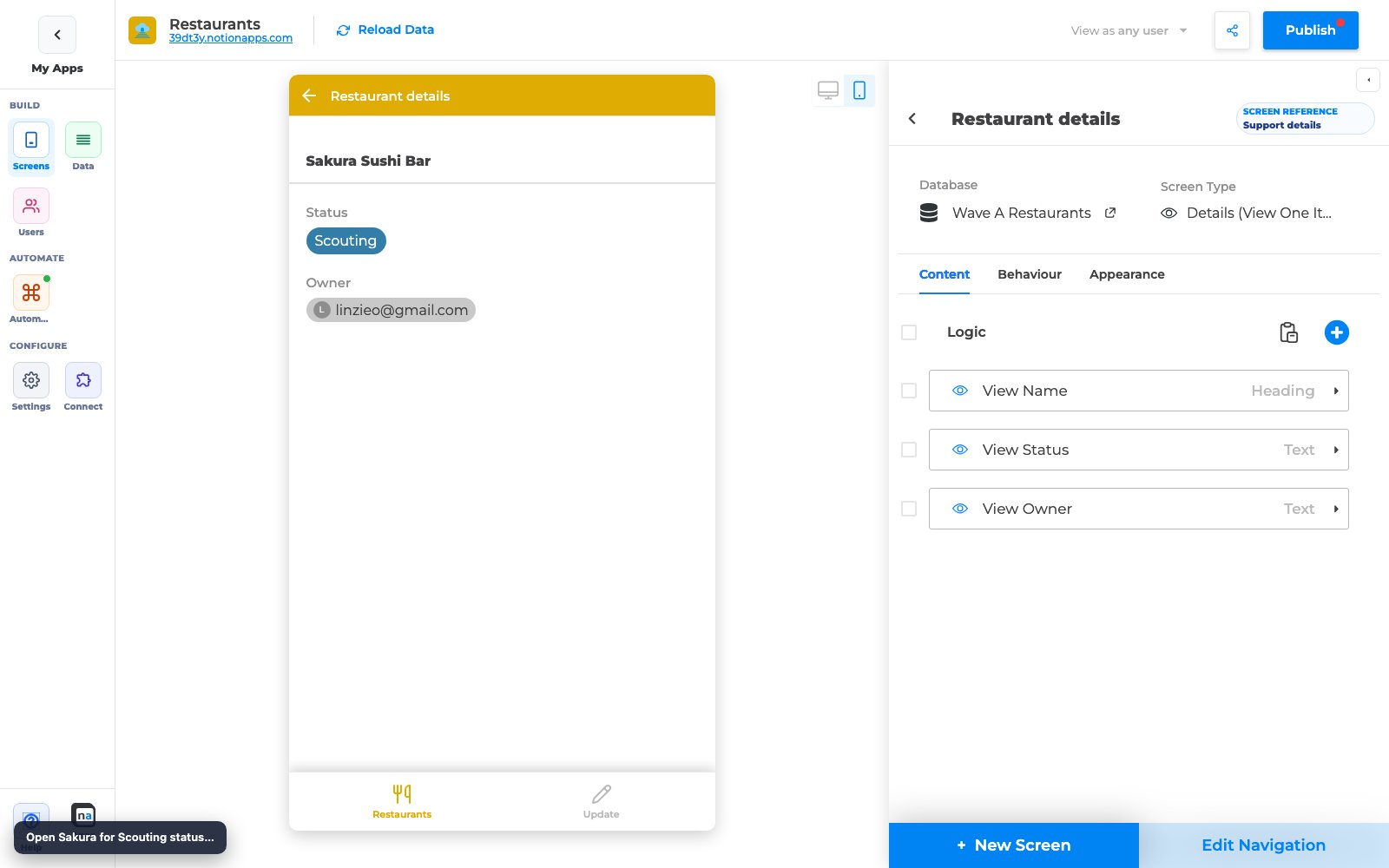
Compare another status value to verify colors track the option, not a single hard-coded color:
Step 3 — Edit People / Owner and verify Notion writeback
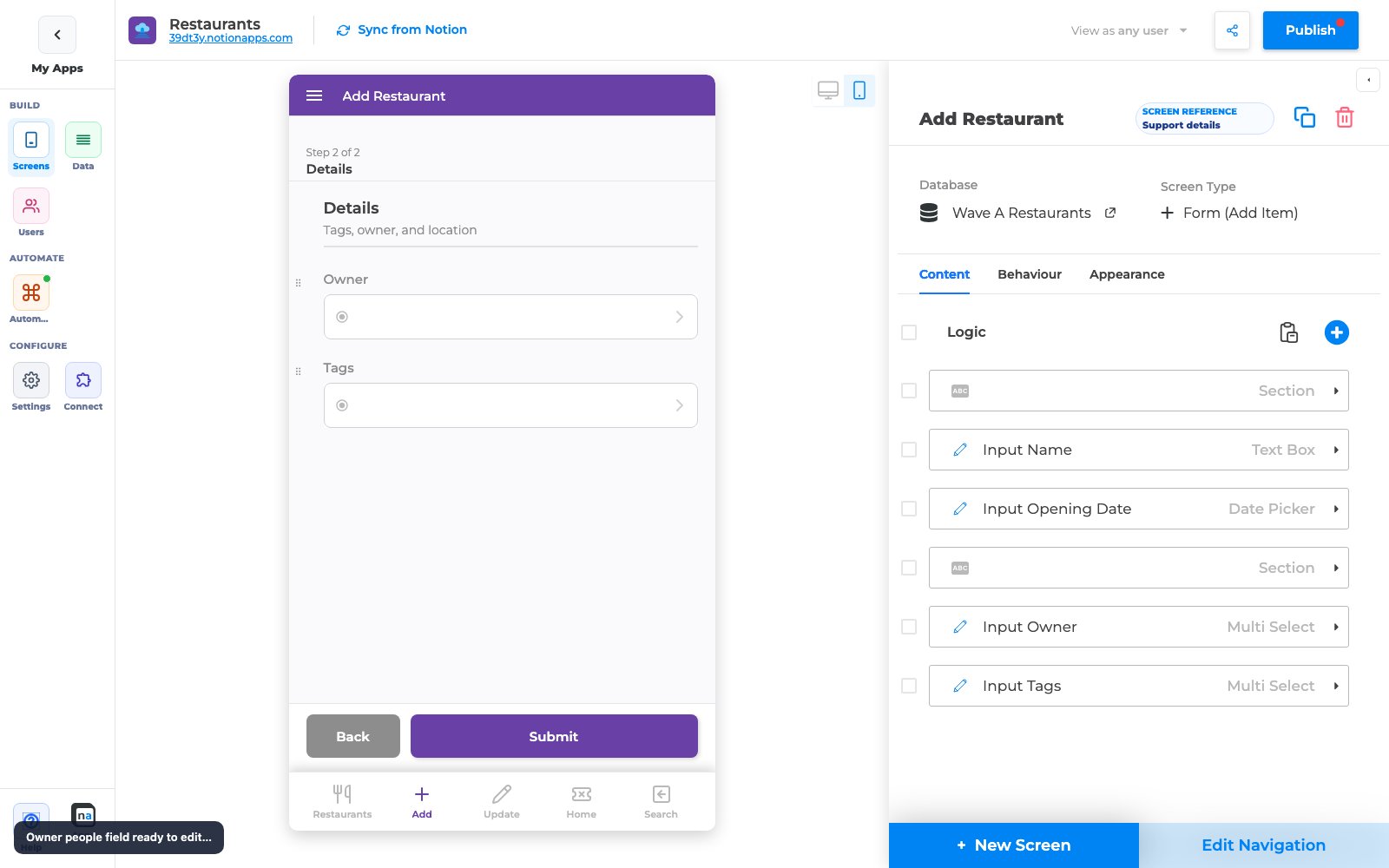
Section titled “Step 3 — Edit People / Owner and verify Notion writeback”- Open a Create Form or Update Form that includes the Owner / People field (People defaults to multi-select).
- Choose or change the selected person (add or replace).
- Submit / save.
- Confirm the Owner chip on Details (and in Notion) matches what you saved.
Step 4 — Create Form People defaults
Section titled “Step 4 — Create Form People defaults”When you add a new People create/update field in the builder, NotionApps now defaults it to multi-select behavior so makers can assign more than one person without hunting for a setting.
Recommended check:
- Add or select a People field on a Create Form.
- Confirm users can pick multiple people when that matches your Notion property.
- Publish and test on the live app.
Checklist
Section titled “Checklist”- Notion Status options use the colors you expect
- List tags show those colors after Reload Data
- Details Status chip color matches the option
- Details People / Owner shows chips (not plain unlabeled text)
- Update Form People edits appear in Notion
- App is Published after any layout changes
Troubleshooting
Section titled “Troubleshooting”| Symptom | Likely cause | What to do |
|---|---|---|
| Status tags all the same color | List tag colors not refreshed from Notion | Reload Data; for brand-new lists, recreate the list screen or re-seed tag colors |
| Status chip missing on Details | Field not mapped / wrong component | Confirm the Details component is bound to the Status property |
| People shows email only / no chip | Older layout cache | Reload Data, hard-refresh preview, republish |
| Notion People still empty after save | Pending sync or wrong property | Wait a few seconds, refresh Notion, confirm the form field maps to the People property |
| Single person only on Create Form | Field still configured as single-select | Open the field Behaviour and allow multi-select for People |
Related reading
Section titled “Related reading”- Prefill Create Forms from a URL — People can also be prefilled from a link
- Screen Navigation Visibility
- 20 Jul 2026 Release