Metric Card
Metric Card
Section titled “Metric Card”Metric Card
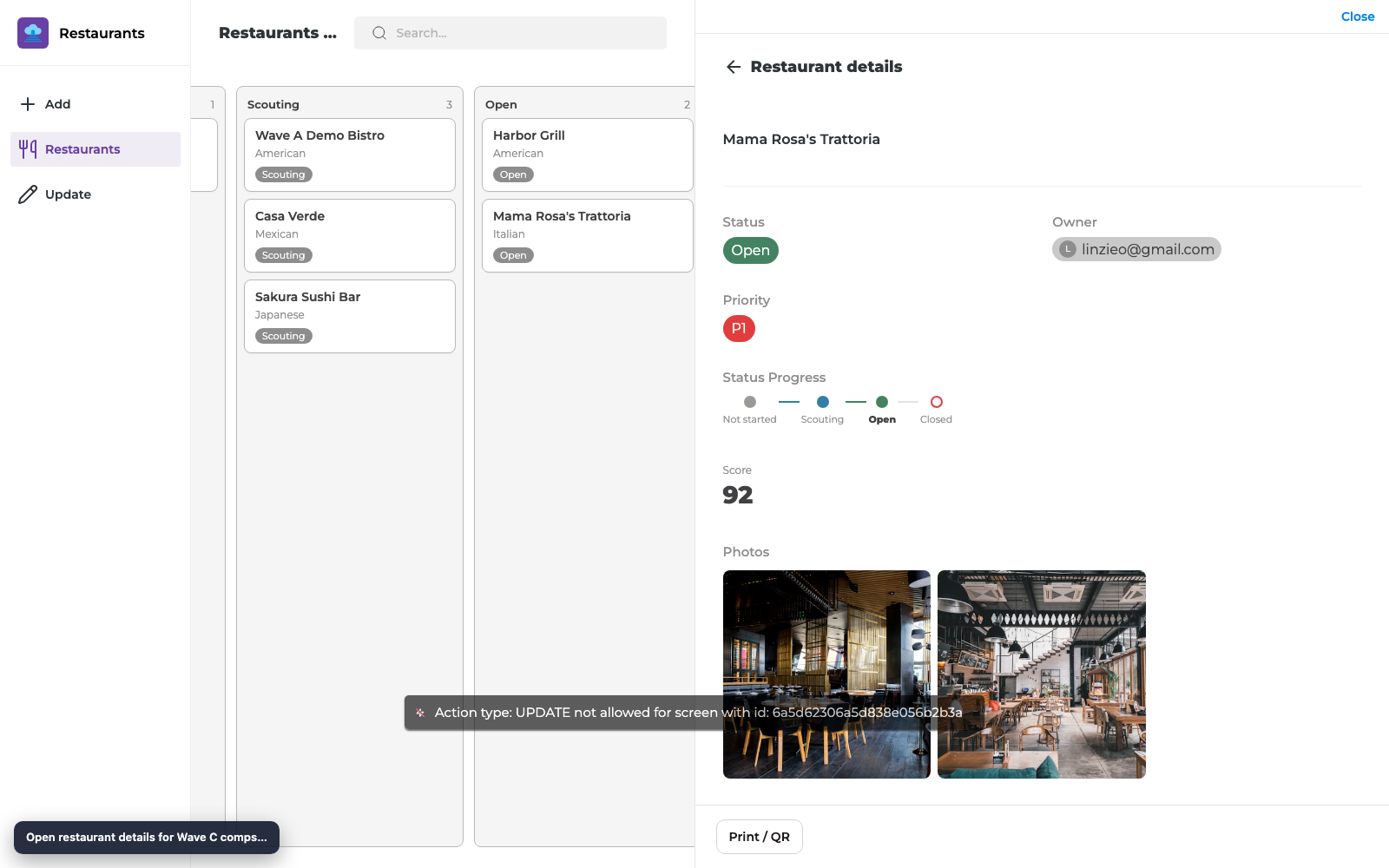
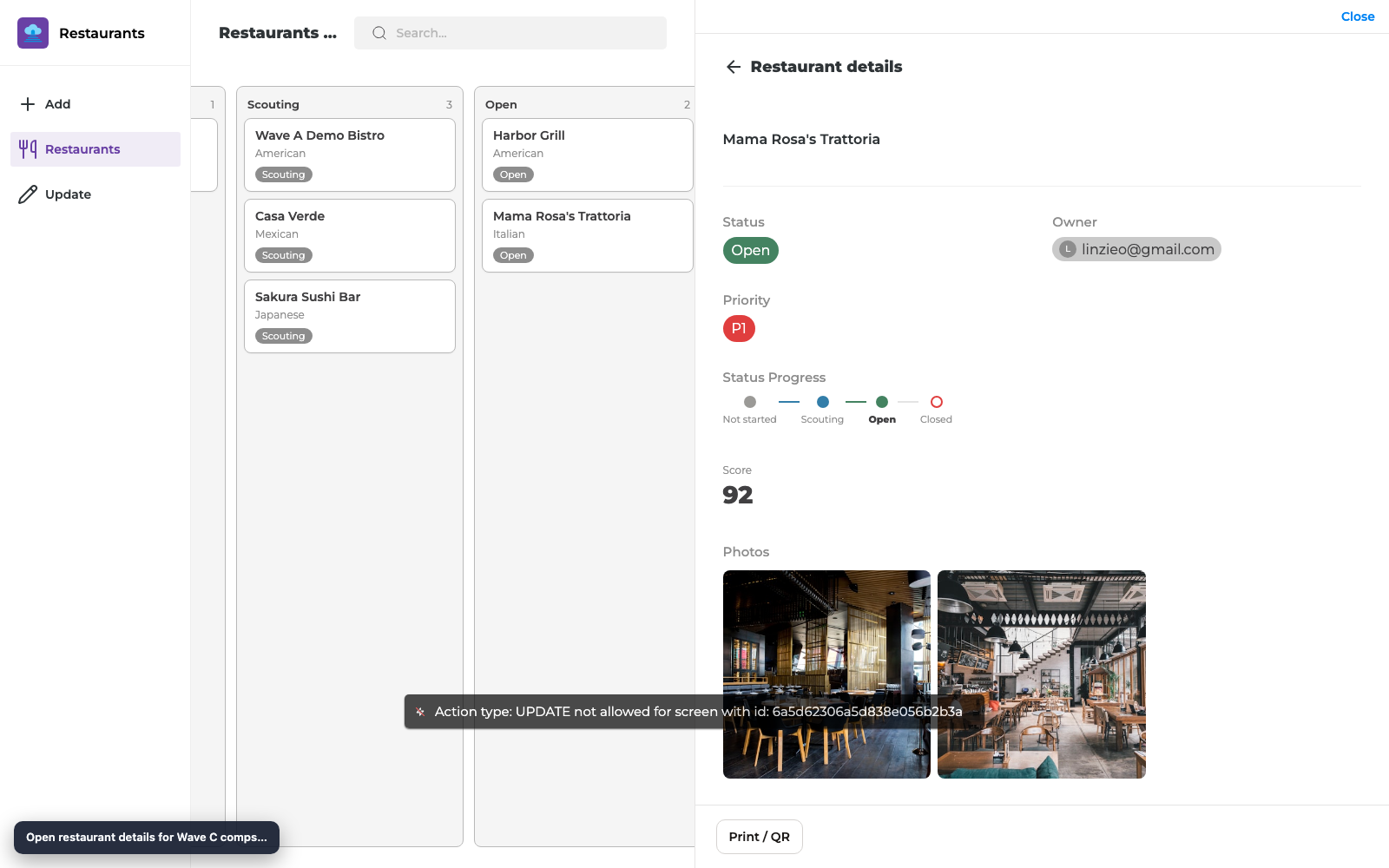
Section titled “Metric Card”Show a single number, formula, or rollup as a large, readable Metric Card on Details (and other view screens) — ideal for scores, totals, and KPIs.
What you get
Section titled “What you get”| Capability | Maker setup | End-user result |
|---|---|---|
| Large numeric display | Add Metric Card, bind field | Big value (for example Score 92) |
| Field types | Number, formula, rollup | Same number Notion shows |
| Placement | Details (or other view layouts) | Sits with your other view components |
Before you start
Section titled “Before you start”- A Notion property that is number, formula, or rollup
- A Details (or view) screen for that database
- Reload Data after the property exists in Notion
Step 1 — Add Metric Card
Section titled “Step 1 — Add Metric Card”- Open the Details screen in the builder.
- Choose Add component → Metric Card.
- Bind it to your number / formula / rollup field (for example Score).
- Set the label if you want a title above the value.
Step 2 — Preview and publish
Section titled “Step 2 — Preview and publish”- Select a record that has a non-empty value.
- Confirm the Metric Card shows the expected number in preview.
- Publish and open the same record in the live app.
Checklist
Section titled “Checklist”- Metric Card bound to number, formula, or rollup
- Preview shows the correct value for a sample record
- Published Details matches preview
- Empty values look acceptable (no crash / blank layout break)
Troubleshooting
Section titled “Troubleshooting”| Symptom | Likely cause | Fix |
|---|---|---|
| Card empty | Formula/rollup not computed in Notion yet | Fill source props in Notion; Reload Data |
| Wrong field type | Bound to text/status | Re-bind to number/formula/rollup |
| Value formatting differs | Formula display limits from Notion API | Confirm value in Notion; see formula docs for known limits |
Related reading
Section titled “Related reading”Annotated builder screenshots
Section titled “Annotated builder screenshots”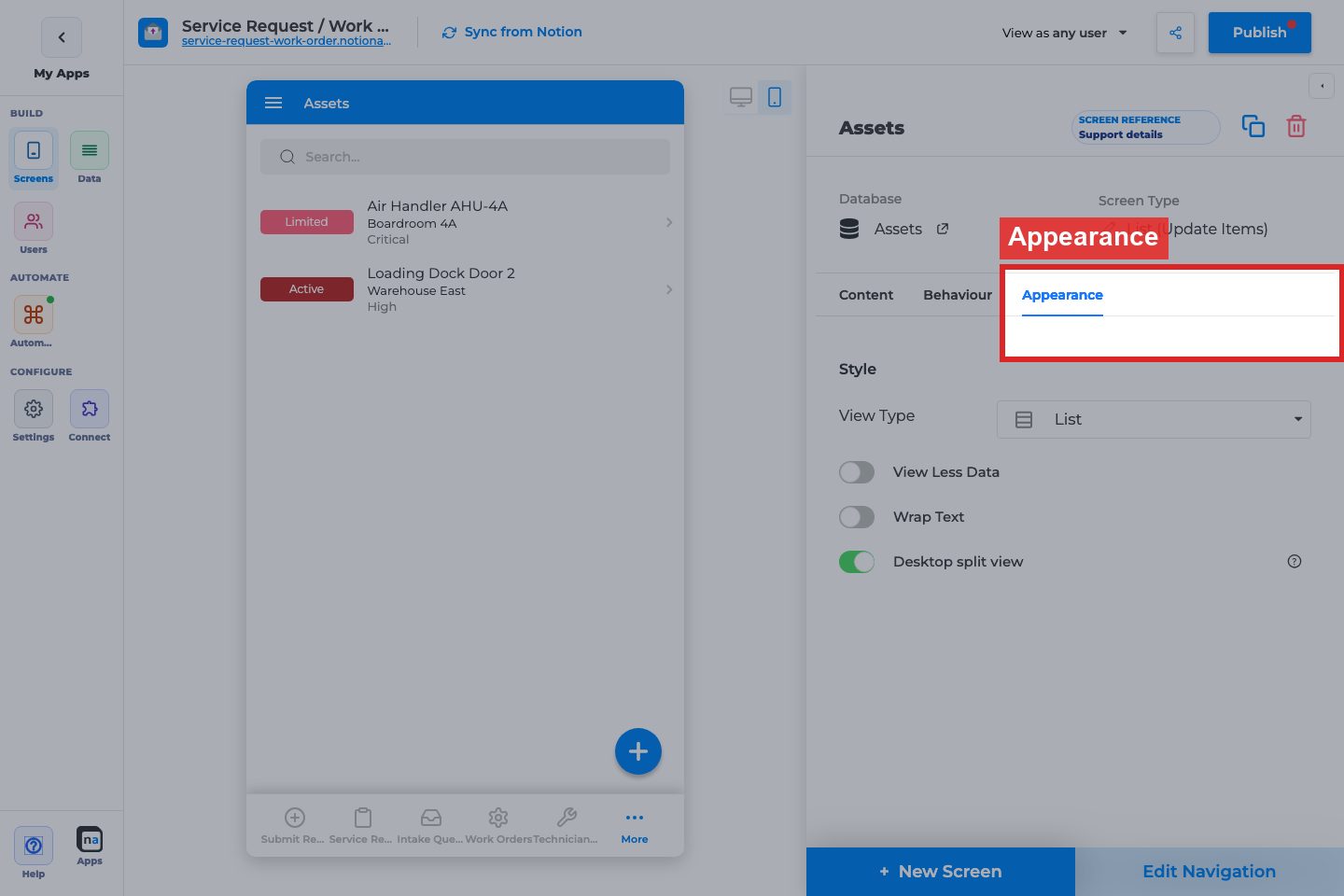
Complete Builder Options Reference
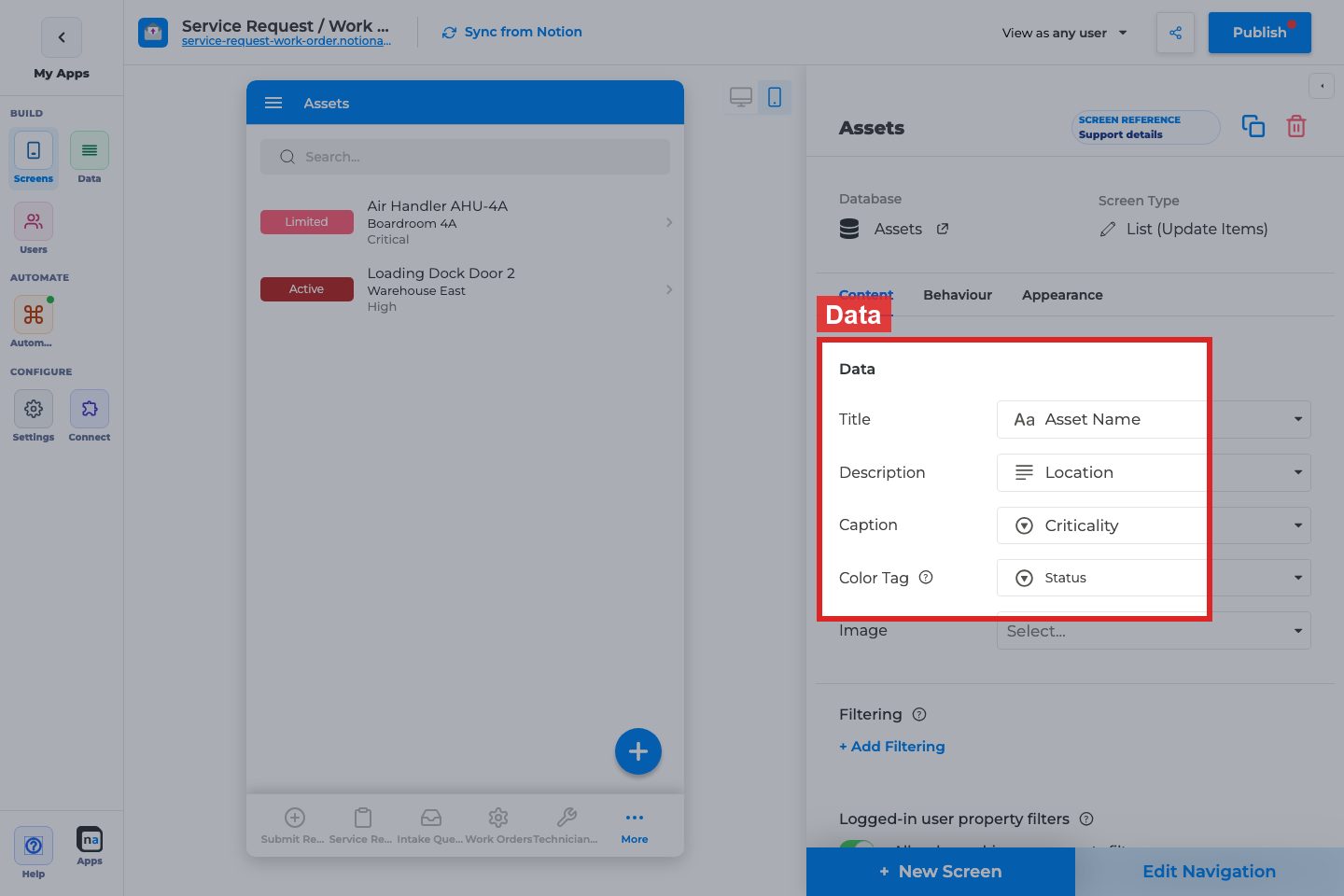
Section titled “Complete Builder Options Reference”Metric-style presentations reuse List Data and Appearance controls (View Type / Style / mapped fields). See List (View Items) for the full option inventory.
Data mappings used as metrics
Section titled “Data mappings used as metrics”What it does: Chooses which properties feed the card’s primary number/label.
How to use it: Map the numeric or status field users care about first.
Why / recommended default: One metric idea per card; avoid overcrowding Caption/Tag.