Leave a review
This is a review of NotionApps, the builder. It is not a review of an app you publish for your own users.
Where to open it
On My Apps, the header has Leave a review.
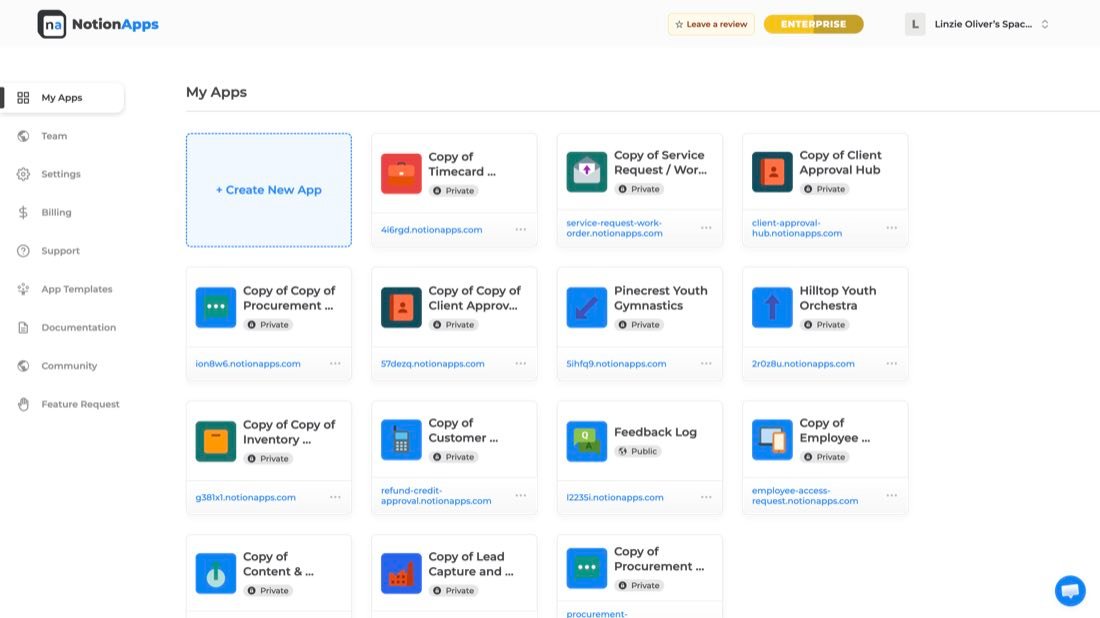
The button sits in the account header, next to the plan badge.
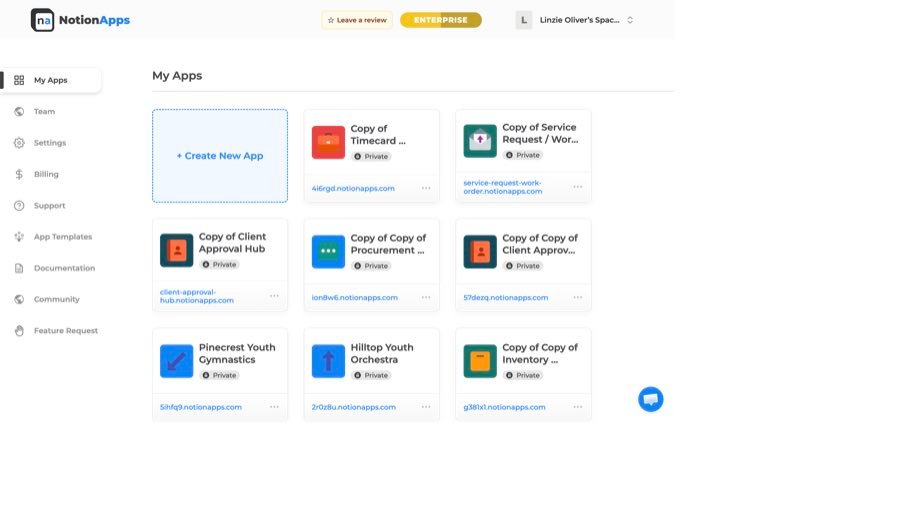
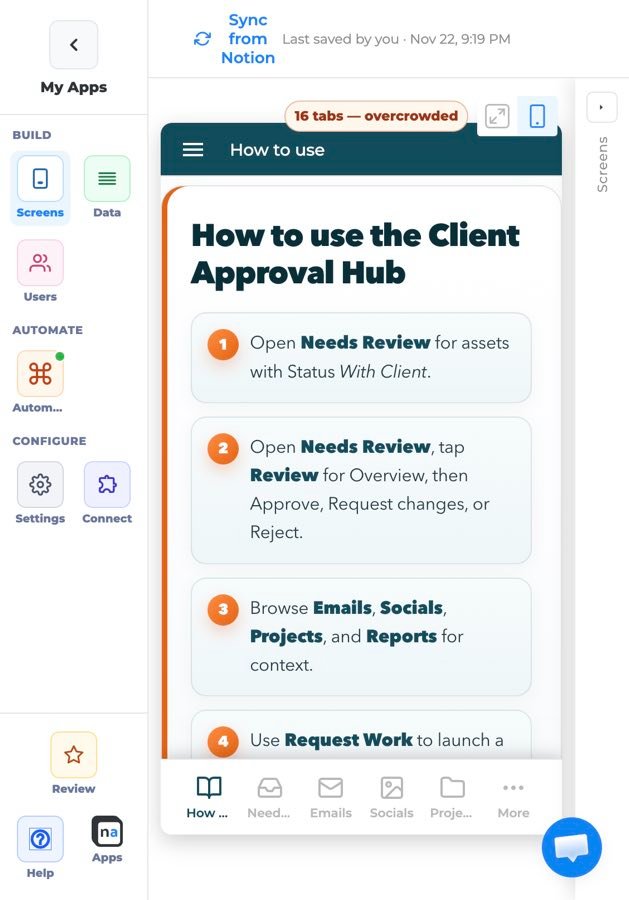
The same entry is on the builder rail. Its short label is Review. It is there while an app is open, and on My Apps when no app is open.
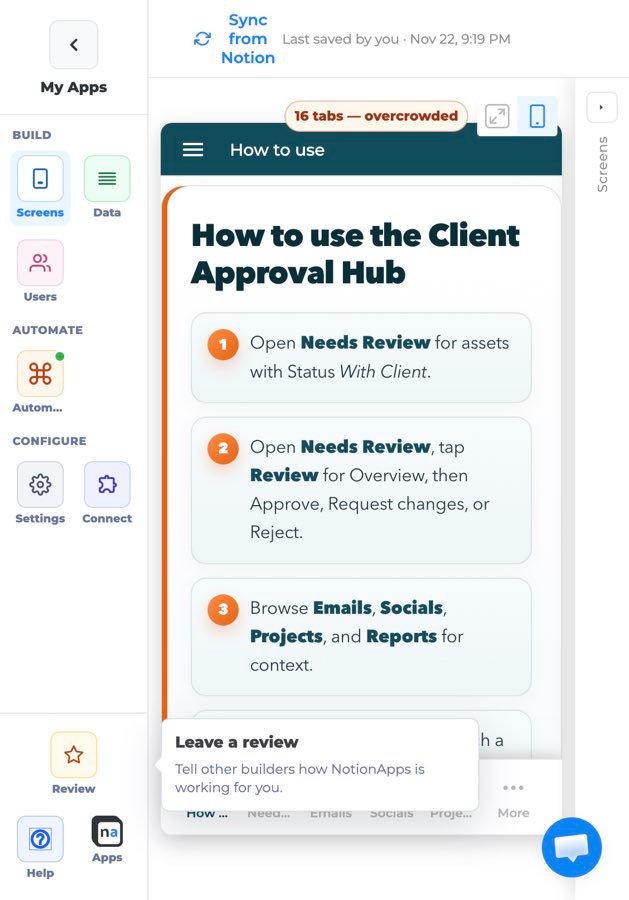
Point at Review. The flyover title is Leave a review. The line under it is Tell other builders how NotionApps is working for you.
Before you start
You need a saved app. If you do not have one, the form says Save an app first, then tell us how NotionApps is working for you.
A verified email is not required. The entry is not available in a support session.
The form
The form opens on Leave a review. Submit review stays off until the rating and the review text are filled in. Under the stars, the hint is Choose a star rating to continue.
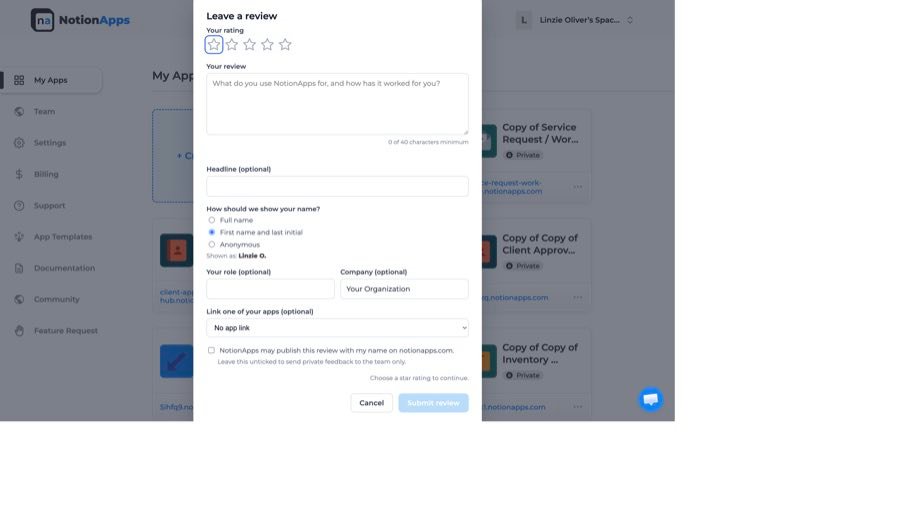
Your rating is required. Your review needs at least 40 characters and at most 1000. The box asks What do you use NotionApps for, and how has it worked for you?
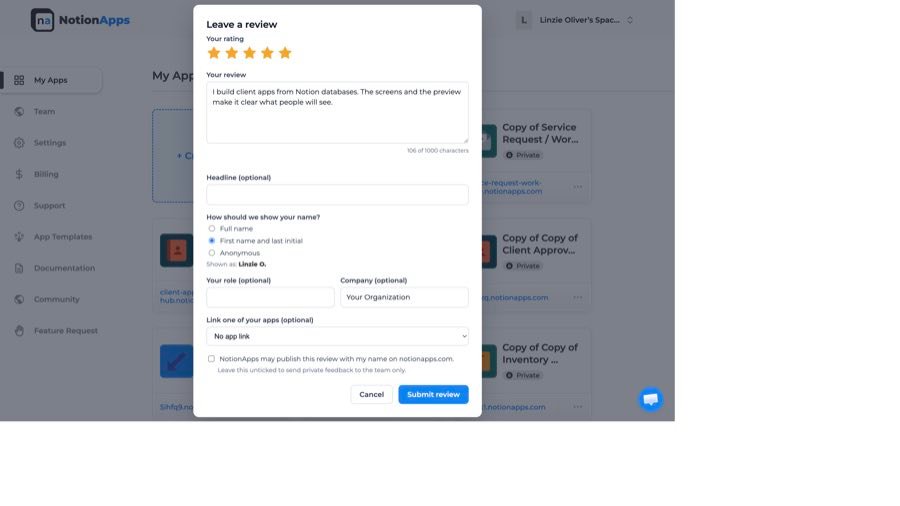
Headline is optional.
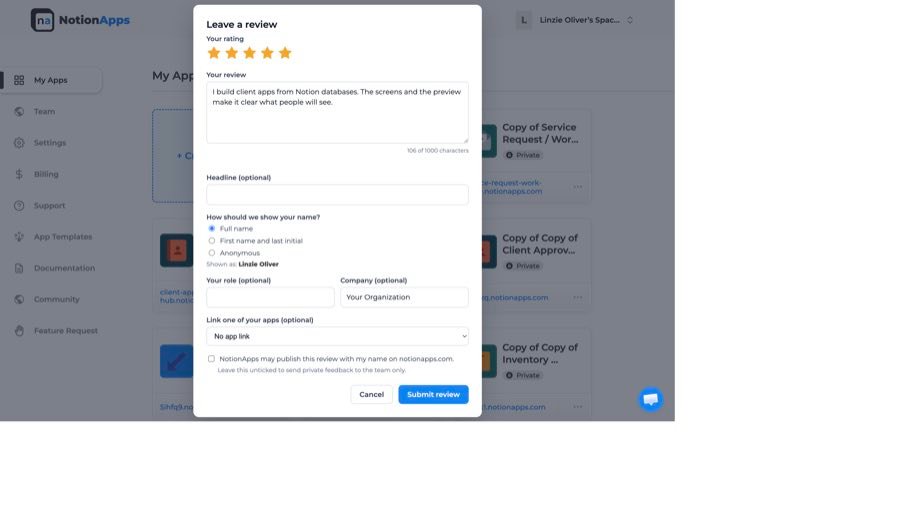
How should we show your name?
Full name shows your full name. On this account the line reads Shown as: Linzie Oliver.
First name and last initial is the choice the form starts on. The line reads Shown as: Linzie O.
Anonymous reads Shown as: NotionApps builder.
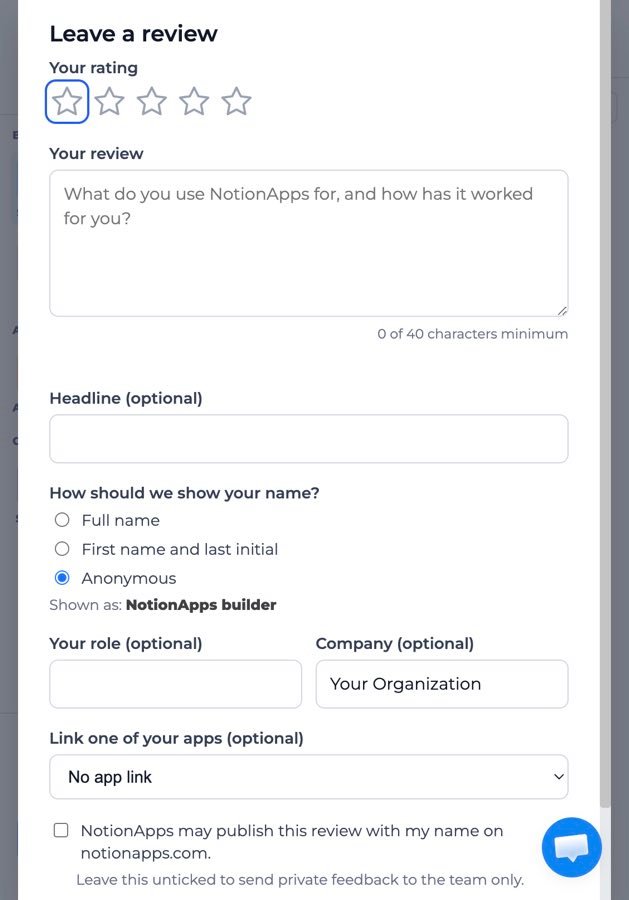
Your role is optional. Company is optional and starts as Your Organization.
Link one of your apps is optional. No app link leaves the review unlinked. You can pick one of your saved apps.
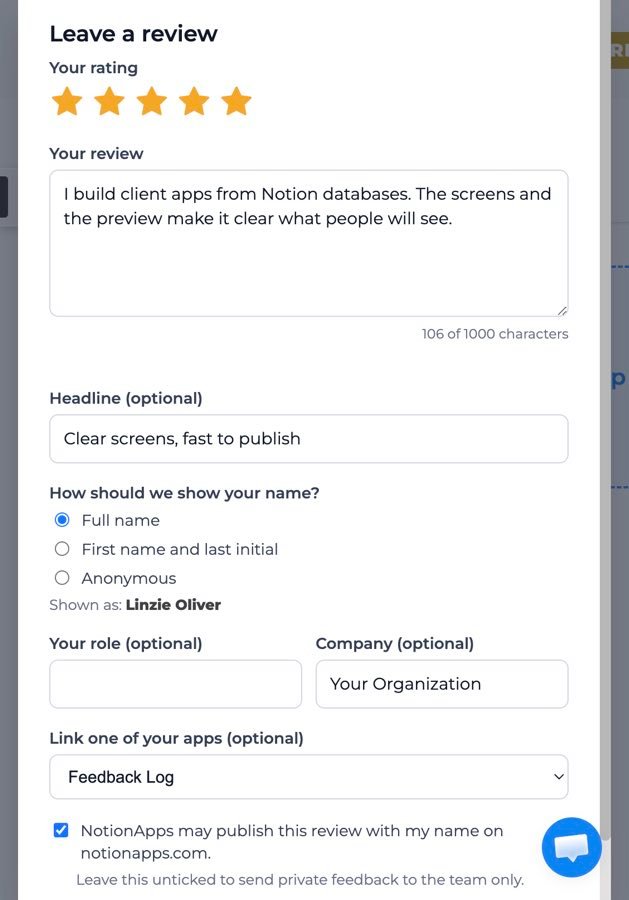
The consent box says NotionApps may publish this review with my name on notionapps.com. Under it: Leave this unticked to send private feedback to the team only.
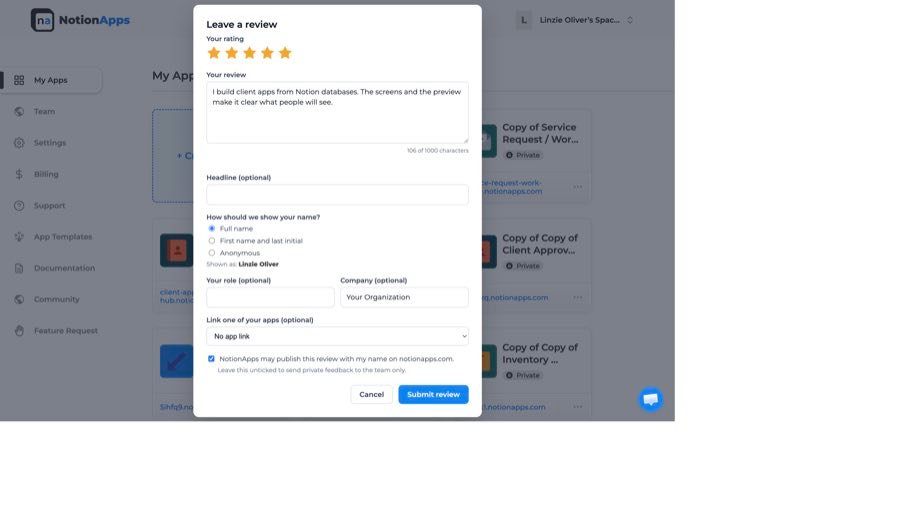
Submit review sends it. Cancel and Back close the form without sending.
After you send one
The header and the rail change to Your review. The flyover says Read, edit or withdraw the review you left. Open it to edit. Save changes stores the edit. Withdraw takes the review down.
What other people see
NotionApps can publish the review on notionapps.com when the consent box is ticked. Leave the box unticked and the note goes to the team only.
The 21 Nov 2026 release note is in 21 Nov 2026 Release.